
About
AttendanceBot lets your team track time, time off and shifts right inside Slack and Microsoft Teams (with Outlook and Microsoft 365 calendar sync), then sends approved hours straight to Gusto for payroll. Employees clock in and request leave with a quick message, and managers see who's in, out or on leave in real time. Over 100,000 employees use it, and it's rated 4.6/5 on G2 and Capterra.
How it works with Gusto
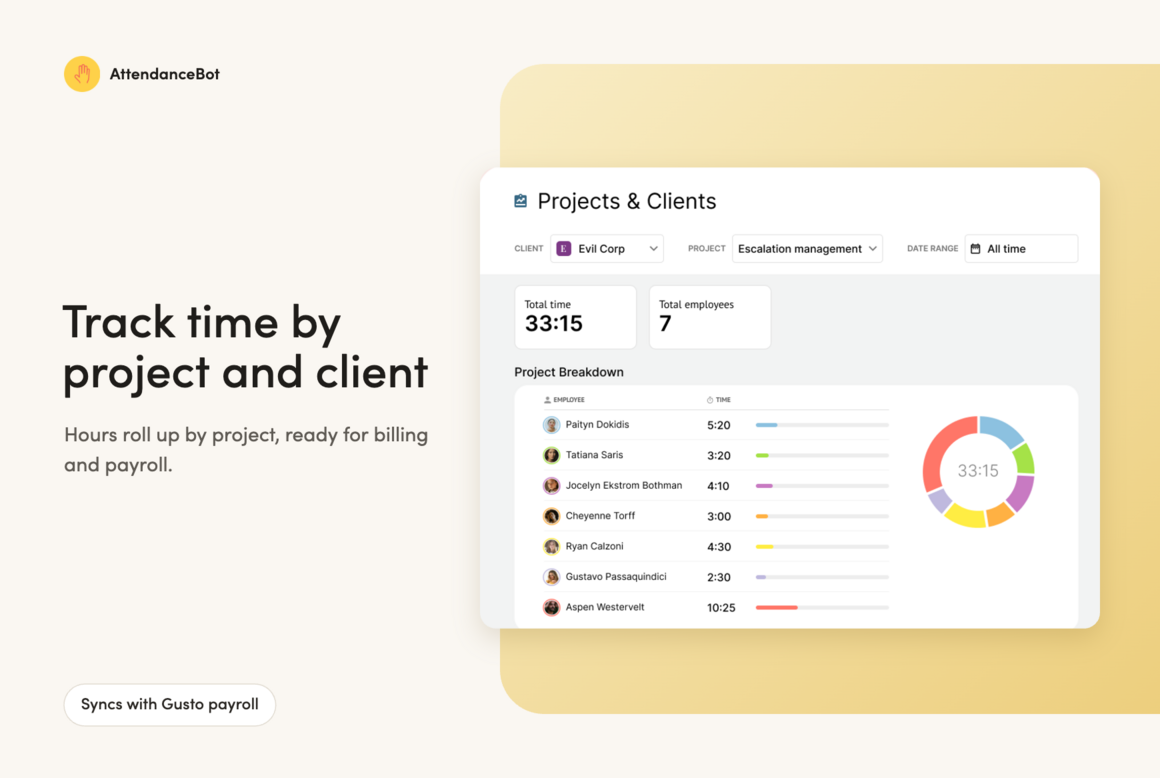
Hours logged in Slack or Teams flow into Gusto. Managers review, edit and approve timesheets in AttendanceBot, then sync everything to Gusto in one click before running payroll. No re-typing, and no extra passwords or accounts.
Key Benefits
- Payroll-ready hours, with fewer corrections because time is logged daily, not rebuilt on Friday
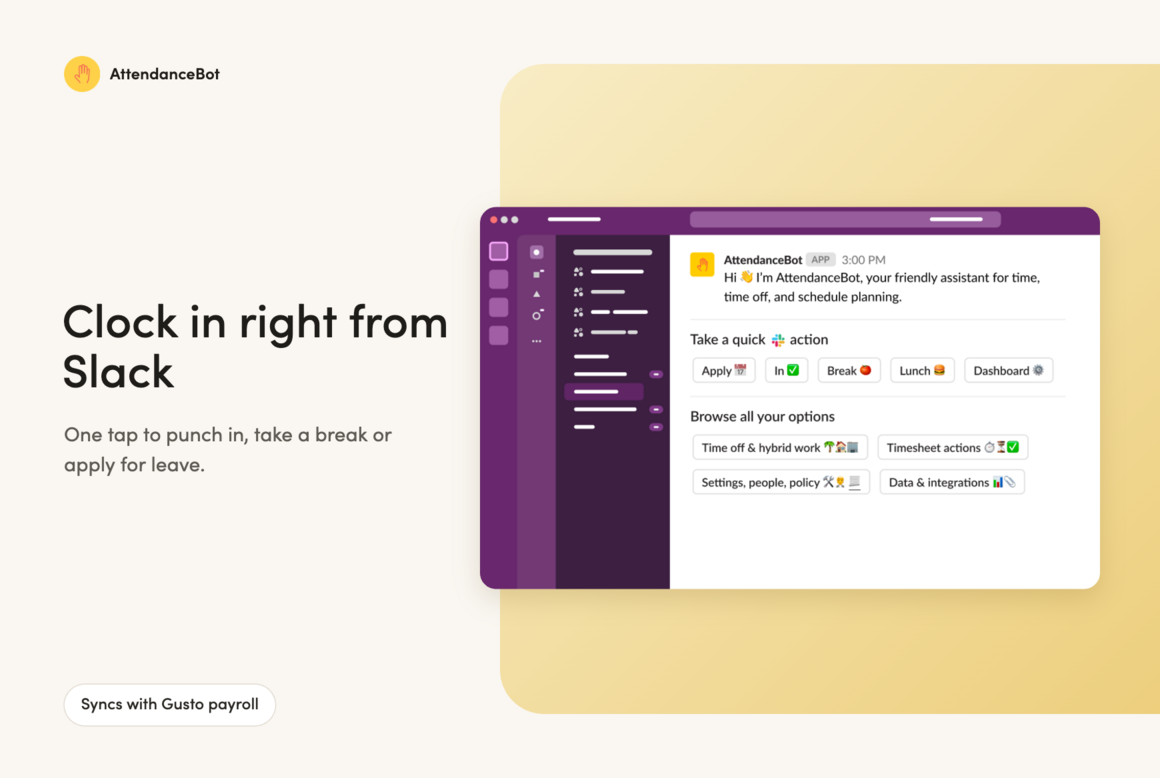
- Clock in, take breaks and apply for leave without leaving Slack or Teams
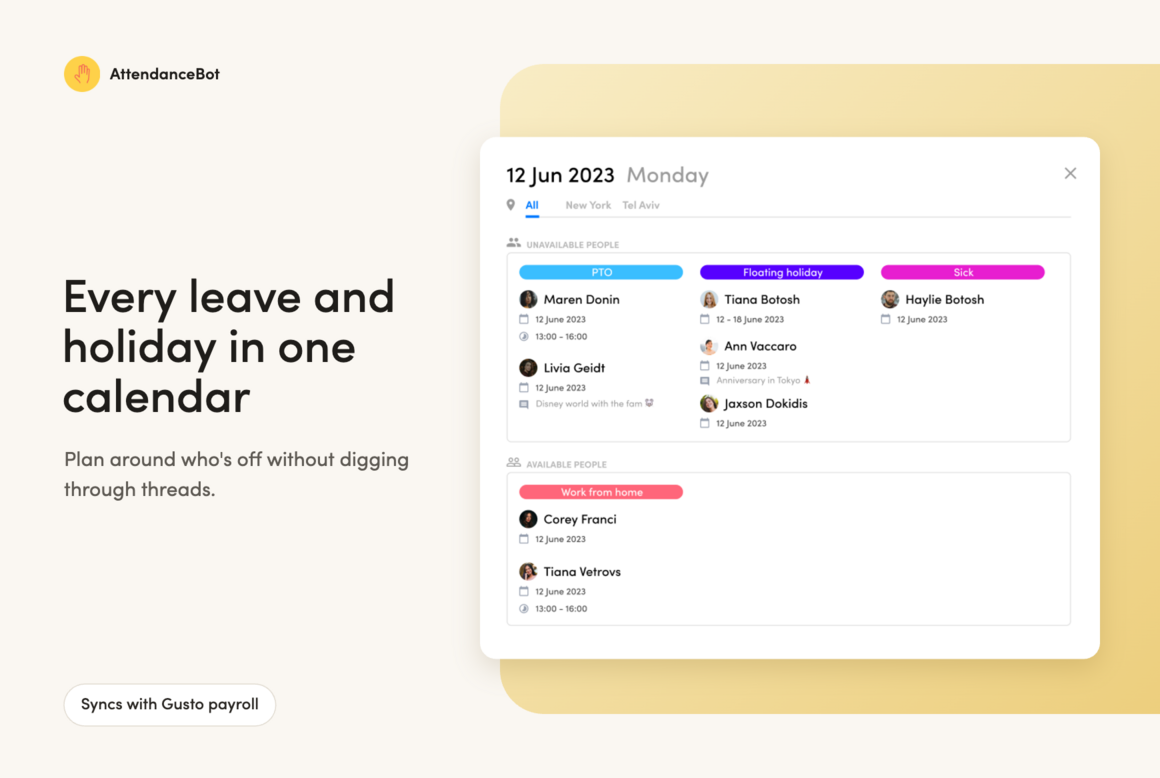
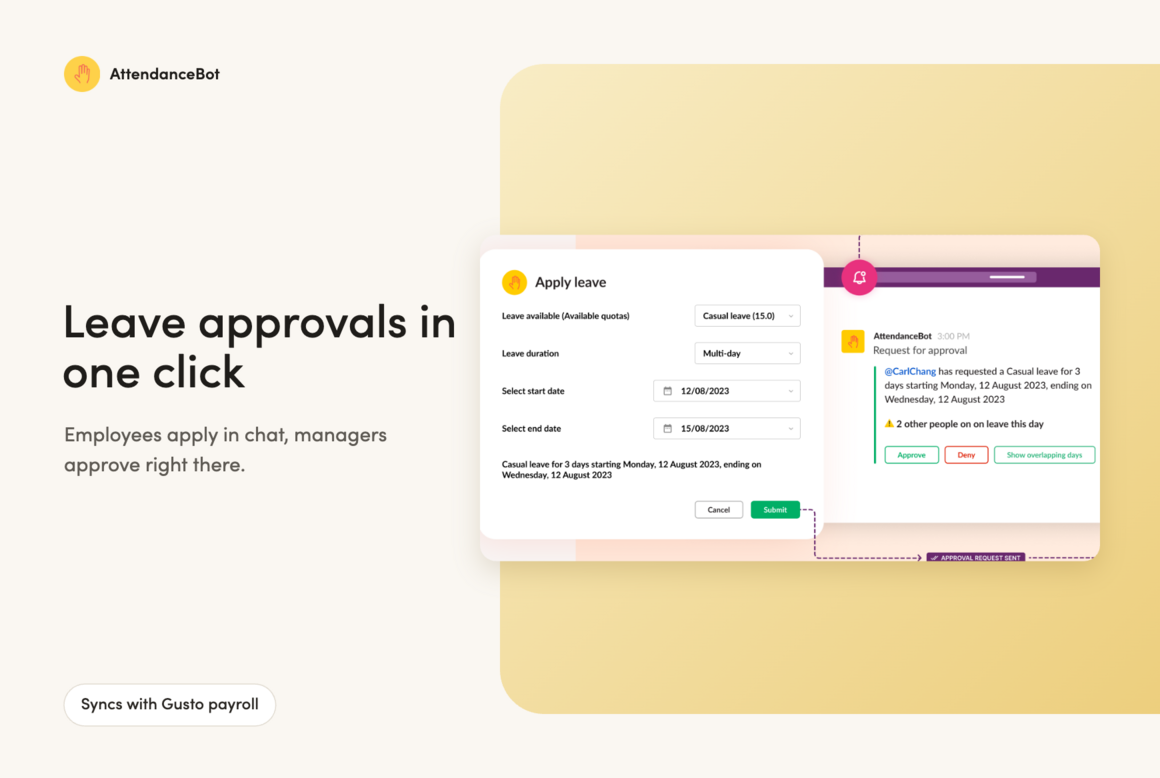
- Custom leave types, accruals and one-click approvals
- Shift templates and sign-ups for shift teams
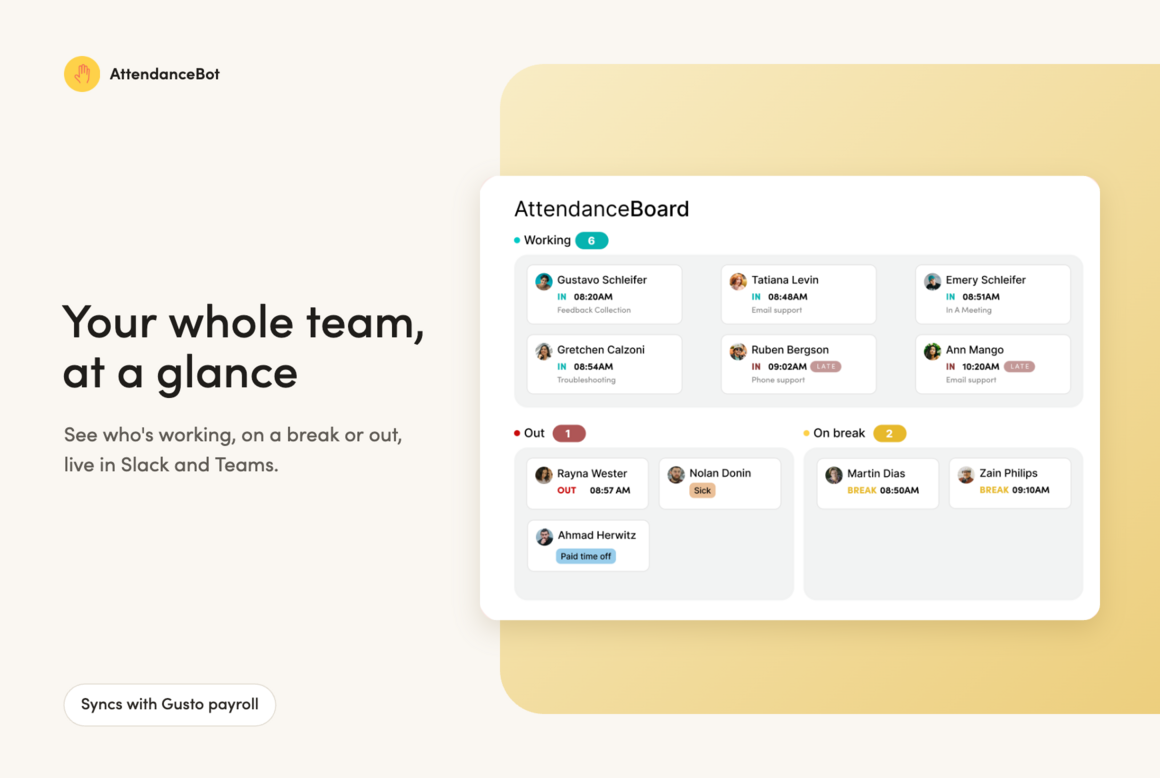
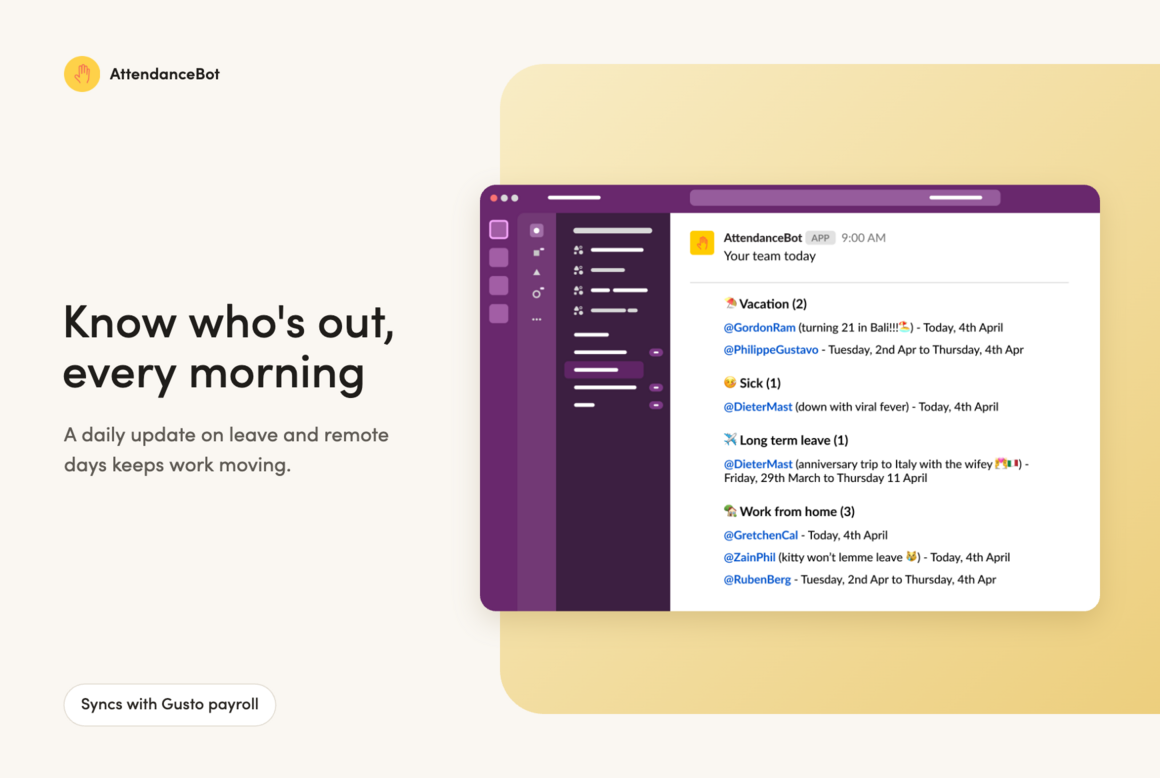
- Live "who's in" board and daily who's-out updates
- Free for teams of up to 5 users, and 25% off for non-profits
What you can do
Data sync between Gusto and AttendanceBot
- Import employees from Gusto to AttendanceBot.
- Sync your team’s hours from AttendanceBot into Gusto for quick and accurate payroll.