
About
Xendoo provides online bookkeeping, accounting, and tax services built to give small business owners financial peace of mind. Our expert in-house accountants and proprietary technology work together to reconcile your books weekly, deliver monthly reports, and prepare tax-ready financials that maximize savings. Access your financials through our secure online dashboard and mobile app, with data-driven insights available 24/7/365. Trusted by thousands of business owners nationwide, Xendoo helps business owners gain time back in their day to focus on scaling their businesses.
How It Works with Gusto
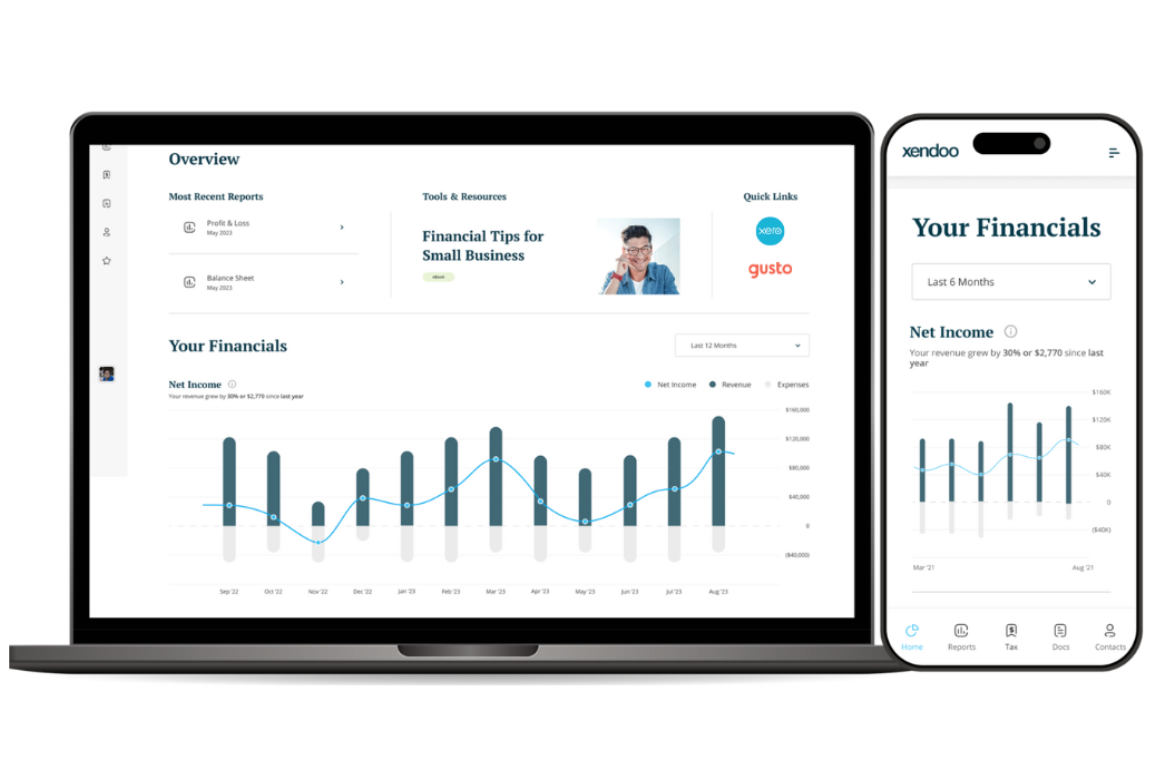
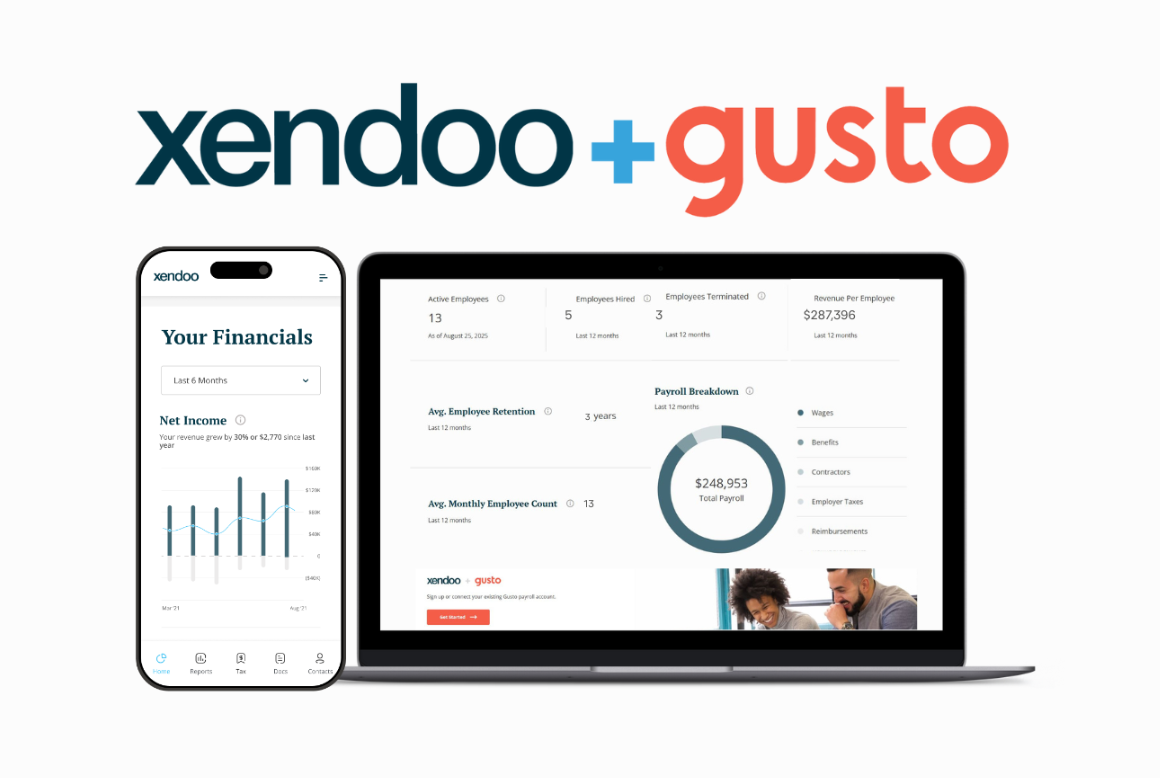
Xendoo’s payroll dashboard, built through a deep integration with Gusto, brings payroll and financial data together in one place. By connecting payroll expenses with profit and loss, business owners can see exactly how their team impacts revenue, margins, and overall profitability.
The Payroll Dashboard displays:
- Detailed payroll breakdown
- Active employees
- New hires
- Terminations
- Revenue per employee
- Average retention
- Monthly employee count
Business owners using the payroll dashboard have reduced turnover, improved retention, optimized staffing decisions, and strengthened profitability. With all metrics delivered in one powerful dashboard, the connection between employees and performance becomes clear and directly tied to profitability.
Key Benefits
- Unified Payroll and Financial Data: View payroll metrics and financial performance side by side in one dashboard for complete visibility.
- Data-Driven Staffing Decisions: Track revenue per employee, retention trends, and workforce changes to make informed hiring and compensation decisions.
- Improved Profitability: Identify how payroll expenses impact margins and overall profitability to optimize operations.
- Actionable Insights 24/7: Access your payroll and financial data anytime through the secure Xendoo dashboard.
Integration Guide
Follow these steps to get your Gusto account integrated within your Xendoo dashboard.
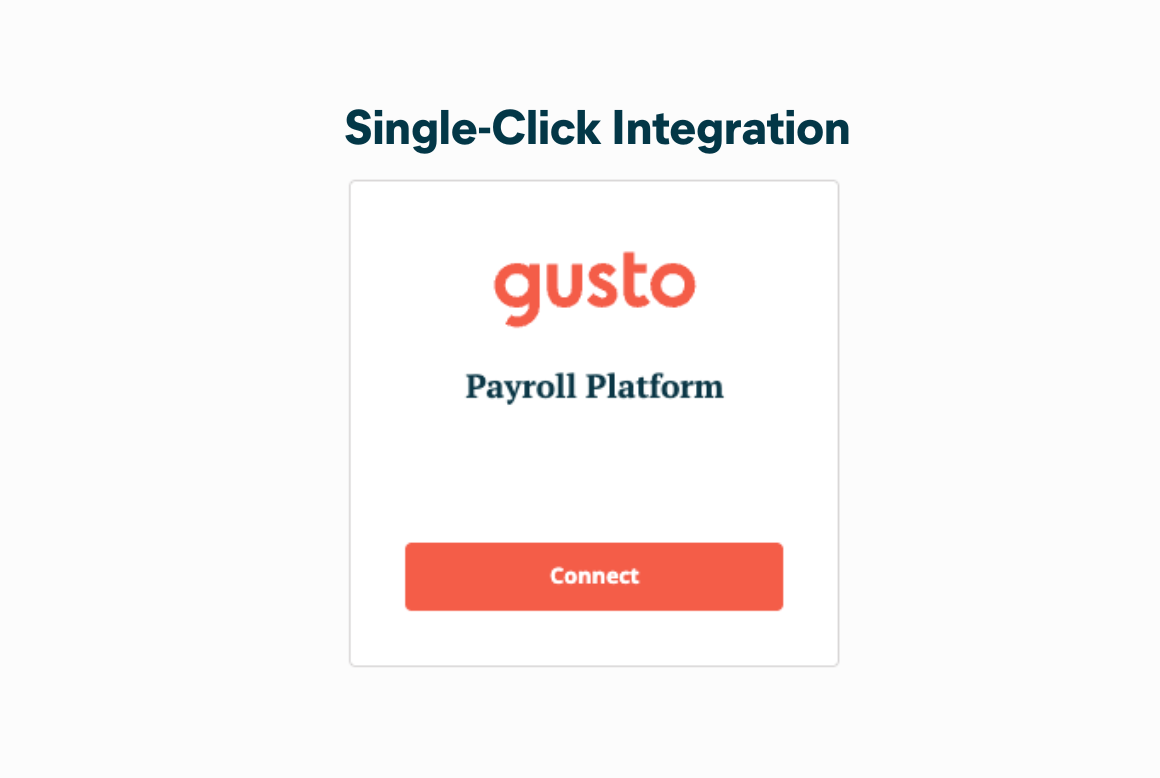
- Log in to your Xendoo dashboard and navigate to Apps & Offers.
- Locate the Gusto tile and select Connect. Alternatively
- Your Xendoo accountant can connect your Gusto account for you.
What you can do
Data sync between Gusto and Xendoo
- Sync data from Gusto to Xendoo for real-time insights based on your payroll costs.