About
Gusto Cofounder is an AI-powered conversational interface to Gusto. A user can use Gusto Cofounder to manage payroll, benefits, HR, time, compliance, and more -- all through a chat interface.
How It Works with Gusto Cofounder
This app for Slack enables Gusto Cofounder to connect to the user's Slack Workspace via Slack's remote MCP server. Once connected, a user can instruct Gusto Cofounder to send and read messages in the user's Slack Workspace. For example, the user can say to Gusto Cofounder: "Check if there are any un-submitted timesheets for this week's payroll and if there are, send a reminder over Slack to those employees to submit their timesheet."
A user can also communicate to Gusto Cofounder from the bot for Slack. For example, the user can say to the bot: "Who are my employees on Gusto?" and the bot will respond with the correct information.
Key Benefits
- Automatically send weekly Slack reminders to your employees to submit timesheets
- Run payroll or pay contractors through Slack
- Approve expenses via Slack
- Answer critical questions about your business and run reports from a Slack message
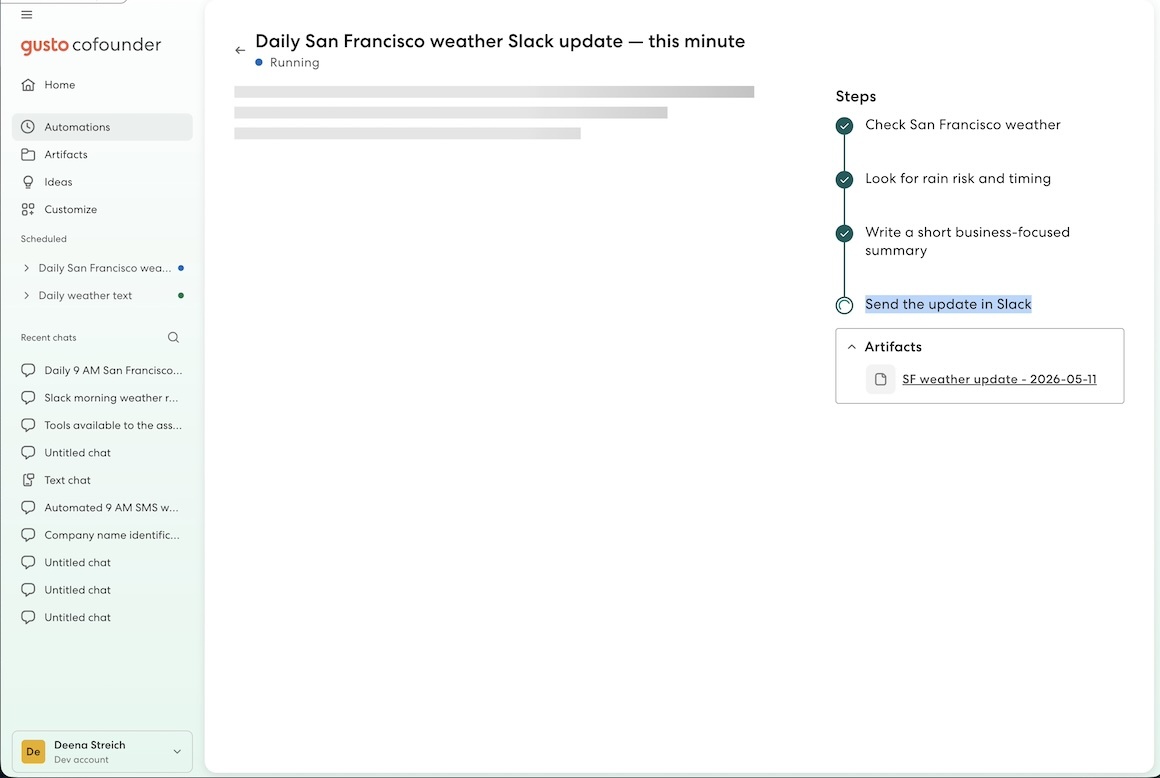
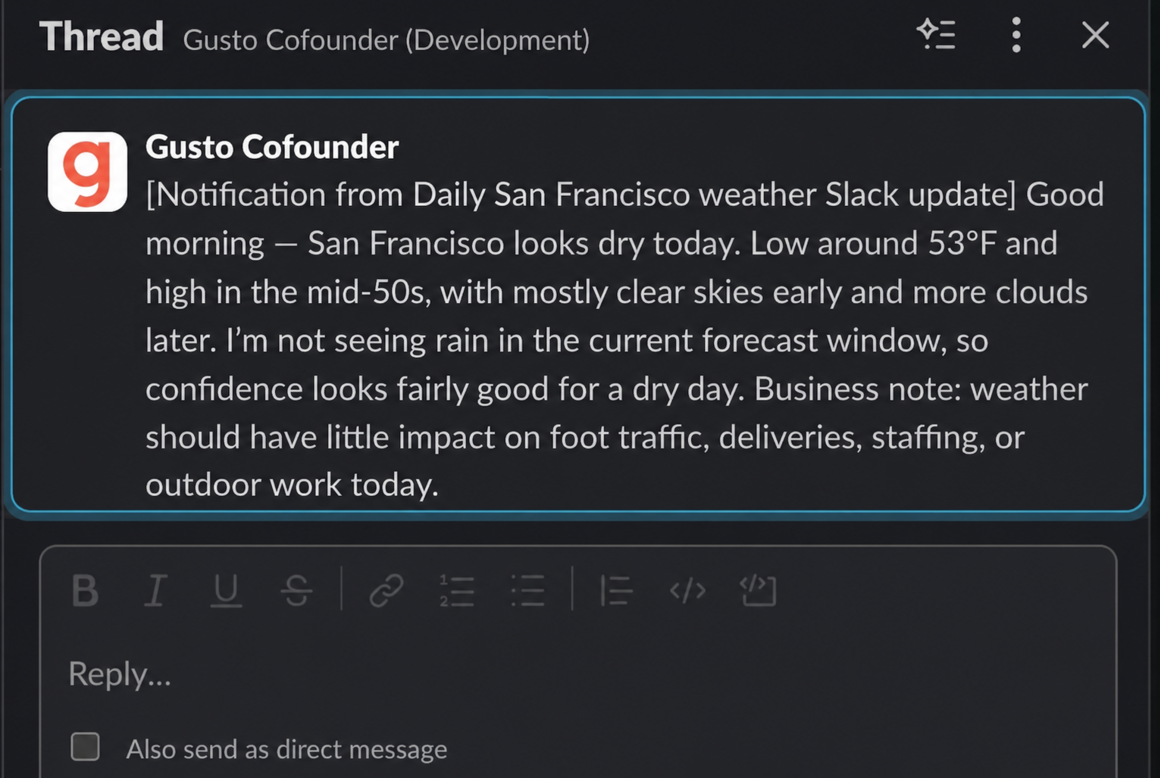
- Get Slack updates of important events, such as birthdays, work anniversaries, or even the weather report.
Integration Guide
- Navigate to your Gusto Cofounder homepage.
- Click on Settings
- Click on Connectors
- Click on the Connect button next to the Slack logo.
Once configured, Gusto Cofounder will be able to read and send Slack messages on your behalf.
Other Notes
- A paid Slack plan is required to use this functionality. AI can make mistakes. Please review important outputs before relying on them.
- This integration is gradually rolling out and may not yet be available to you. If you’d like to request early access, please feel free to reach out to [email protected].