
About
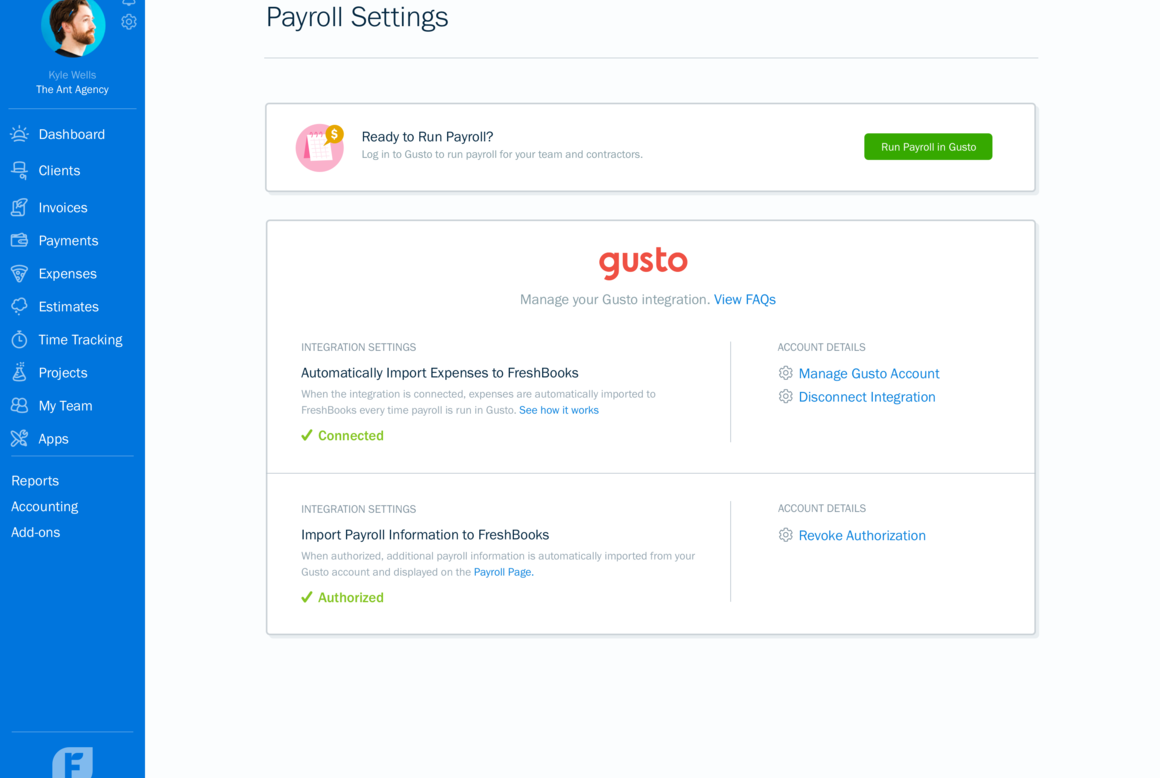
FreshBooks, a leading accounting software designed with business owners in mind, seamlessly integrates with Gusto to provide a comprehensive, efficient, and hassle-free financial management solution. From sending invoices and tracking time to managing receipts and expenses while accepting credit cards with ease, FreshBooks ensures your business financials are always up-to-date and accurate. This powerful integration automates the sync between your payroll data in Gusto and accounting entries in FreshBooks, eliminating the need for manual data entry and reducing the chances of errors.
How It Works with Gusto
- Simplified Account Creation: Easily create FreshBooks accounts for your employees directly from Gusto, ensuring everyone is on the same financial page.
- Automatic Removals: When employees leave, their FreshBooks accounts can be removed directly through Gusto, maintaining your account's integrity and security.
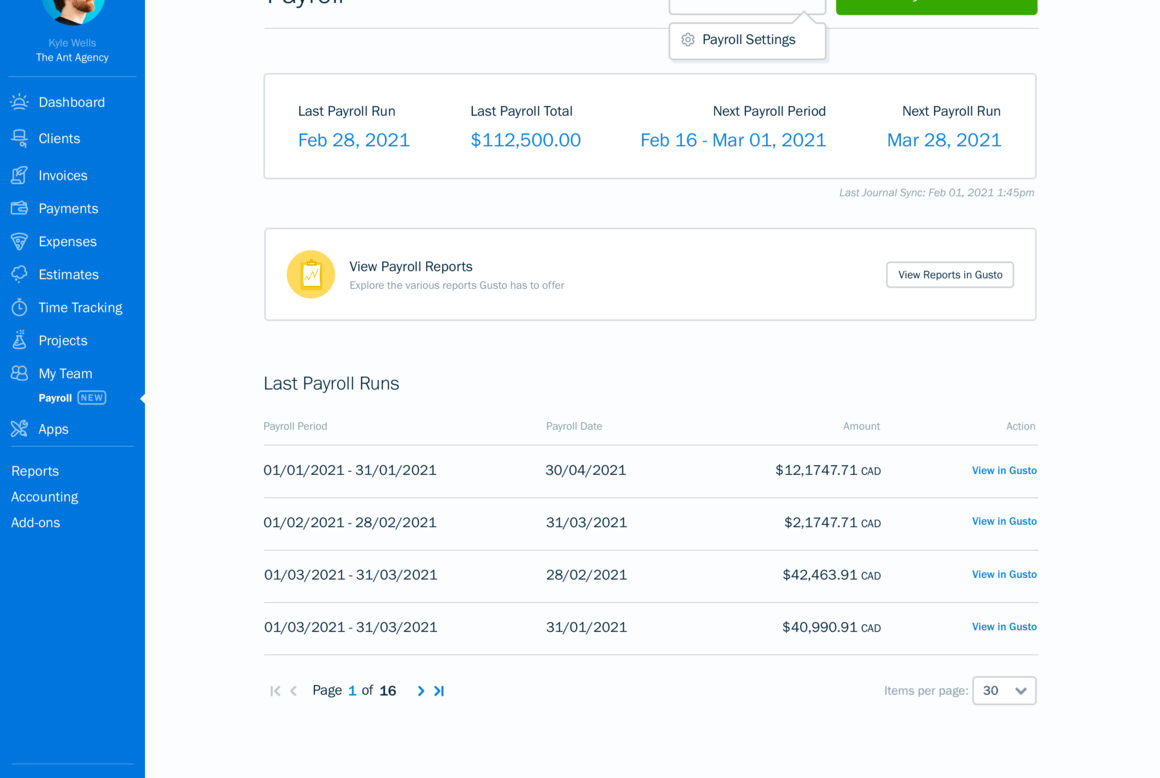
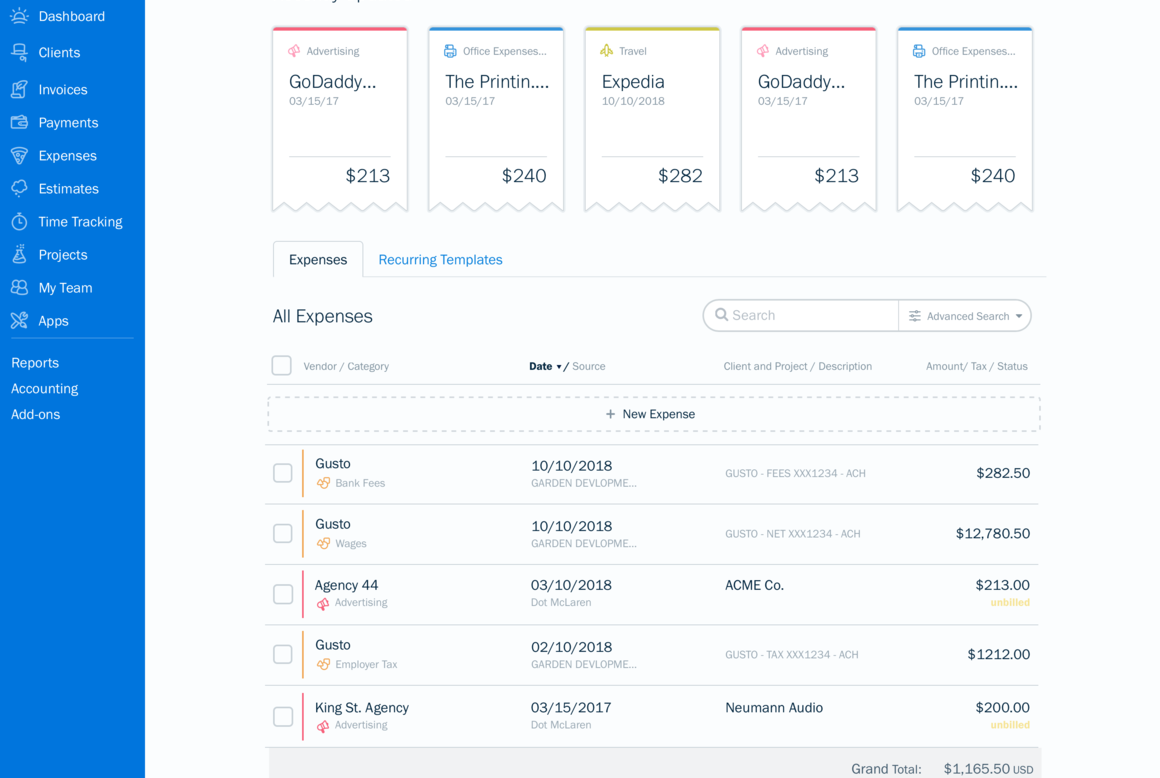
- Effortless Data Sync: Our integration guarantees that your payroll data from Gusto automatically creates corresponding entries in FreshBooks, streamlining your financial workflows without extra effort on your part.
Key Benefits
- Save Time and Reduce Errors: Forget about the tedious task of manual data entry. Our integration saves you time and minimizes mistakes, giving you peace of mind.
- Enhanced Financial Oversight: With automatic syncing, always have an up-to-date view of your business's financial health. Make informed decisions with all the necessary data at your fingertips.
- Focus on Growth: Freed from the complexities of financial management, focus your energy and resources on what truly matters - growing your business.
Integration Guide
Getting started with integrating FreshBooks and Gusto is straightforward. Simply log into your FreshBooks account, find the Gusto integration option under 'Settings', and follow the prompt instructions to connect your Gusto account. Once linked, you’ll enjoy a seamlessly integrated financial management experience that supports your business's success.
Step-by-Step Integration Process
Step 1: Log In to Your FreshBooks Account
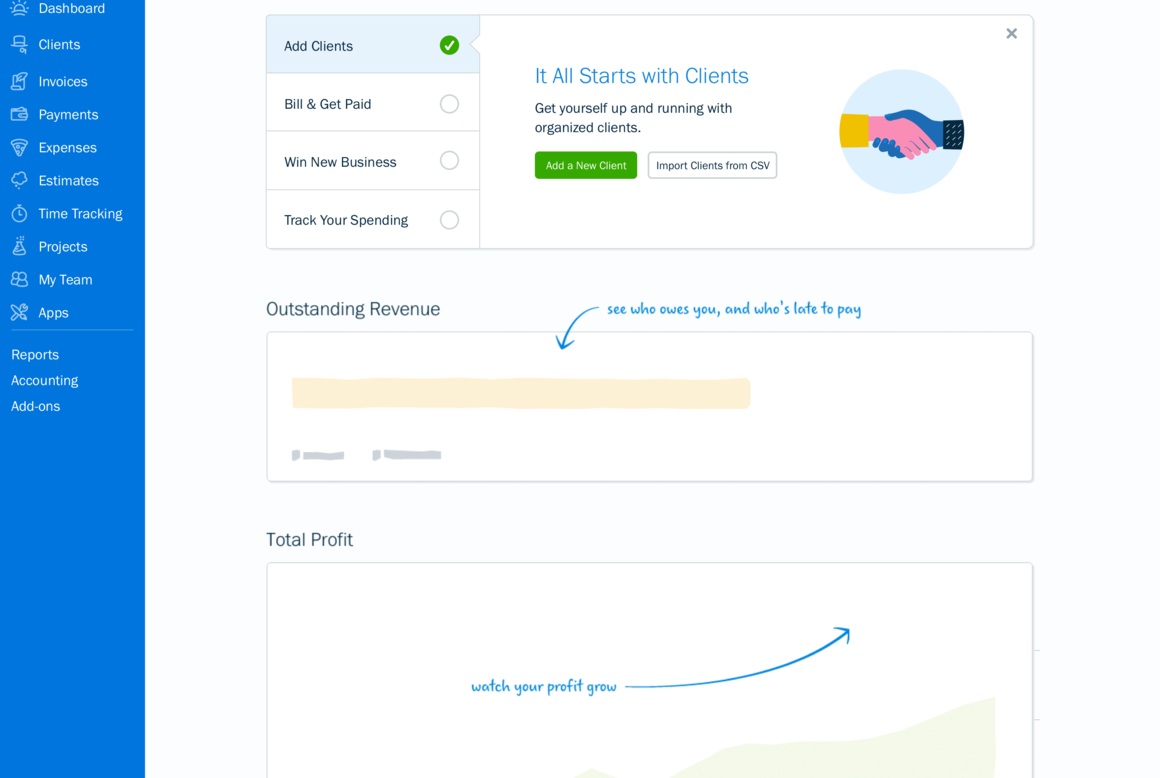
- Navigate to your FreshBooks dashboard. This is your command center, where the magic of managing your finances begins.
Step 2: Access the Gusto Integration Option
- Within your dashboard, locate and click on 'Settings', then scout for the 'Integrations' section. Here, you’ll find Gusto listed among the top integrations designed to elevate your accounting prowess.
Step 3: Connect Your Gusto Account
- Click on the Gusto integration. A prompt will guide you through the simple process of linking your Gusto account to FreshBooks. Follow these instructions carefully to ensure a secure and accurate connection.
Step 4: Enjoy Automated Financial Management
- Once connected, the integration automates crucial financial transactions between Gusto and FreshBooks. Experience the joy of streamlined payroll data syncing and automatic transaction entries. Welcome to a world where your financial management is effortless, leaving you with more time to focus on what you do best - growing your business.

What you can do
Create and/or remove FreshBooks accounts
- Create FreshBooks accounts for your employees from Gusto.
- Remove FreshBooks accounts for your employees from Gusto.
Data sync between Gusto and FreshBooks
- Automatically sync your payroll data and create entries in FreshBooks.