Gusto for AI
Put Gusto to work in Claude.
Ask Claude anything about your team and get an answer from your actual Gusto records. Then hand it the work: the offer letter, the messy timesheet, the payroll that’s due Friday.
What’s in this video
Animated Gusto product demo showing the Gusto connector for Claude. An AI assistant prepares payroll, identifies point-of-sale adjustments and overtime costs, presents payroll summaries and employee-hours charts, and applies approved changes. The video closes with Gusto and Claude logos. The video has background music only — there is no spoken narration.
Trusted by 500,000+ businesses and their teams

#1 Highest Satisfaction Software
G2 Review | 2026


#1 Best payroll software
TrustRadius | 2025
Claude and Gusto, same conversation.
Now the answers come from your actual payroll and Claude can act on what it finds.


Calendar

Spreadsheets

CRM

Point of sale

Bank | Accounting
What Gusto brings to Claude
Claude knows your business.
Your live Gusto record as context for every question and every action.
Your team’s data: employment history, terminations, rehires, comp, departments, and locations.
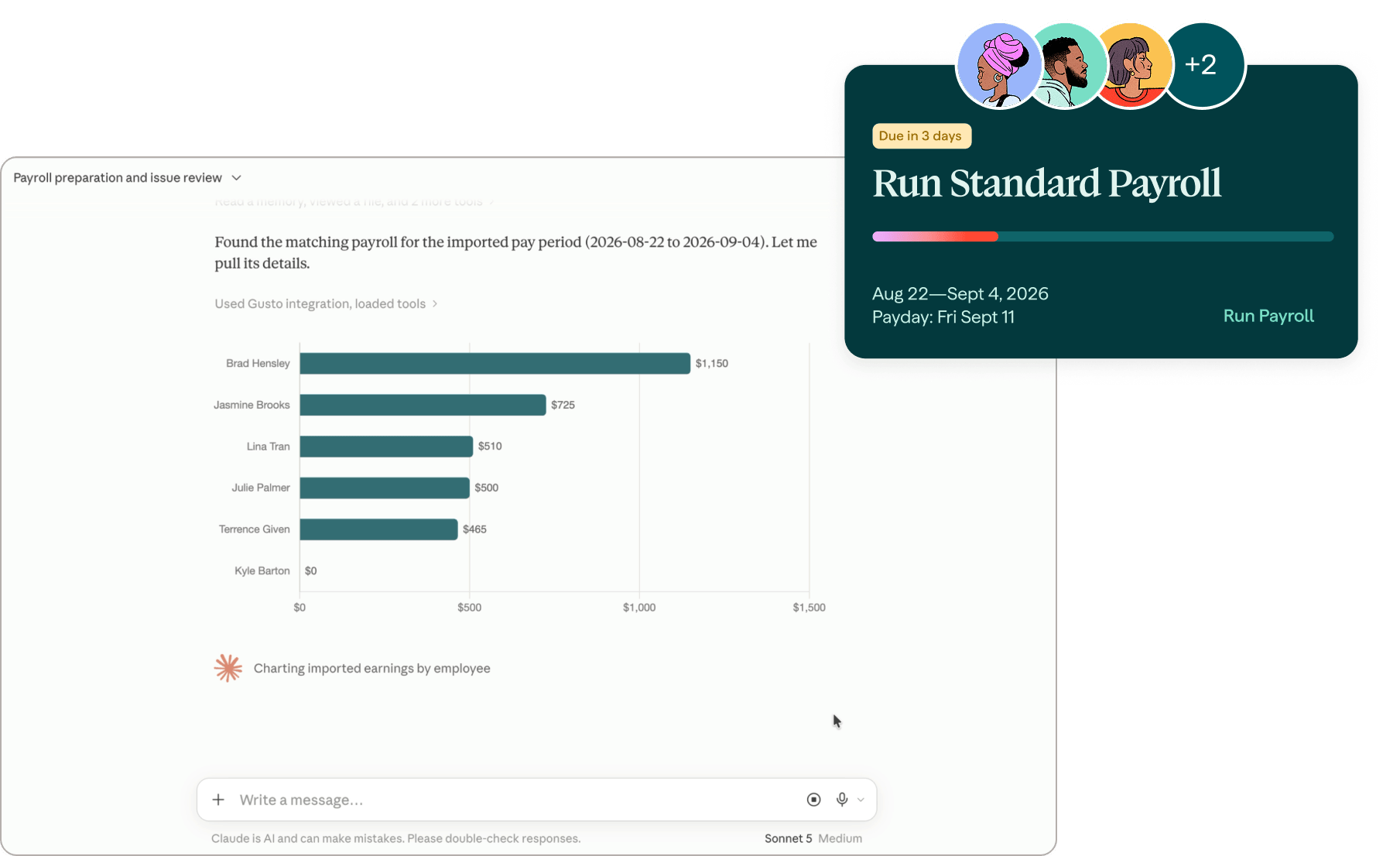
Full payroll detail: blockers, pay schedules, pay periods, earning types so Claude can explain why a run is blocked.
Time tracking, timesheets, PTO balances and requests.
Contractor records and full payment history.
What Gusto brings to Claude
Claude does the work.
Act through Claude, don’t just talk to it.
Prepare your payroll: add in hours, tips, bonuses, one-time deductions, reimbursements, PTO, and payment method.
Fix timesheets and pull hours in from a spreadsheet.
Onboard a new hire from their offer letter, in the conversation.
Solopreneurs can explore whether electing S-corp status may save money.
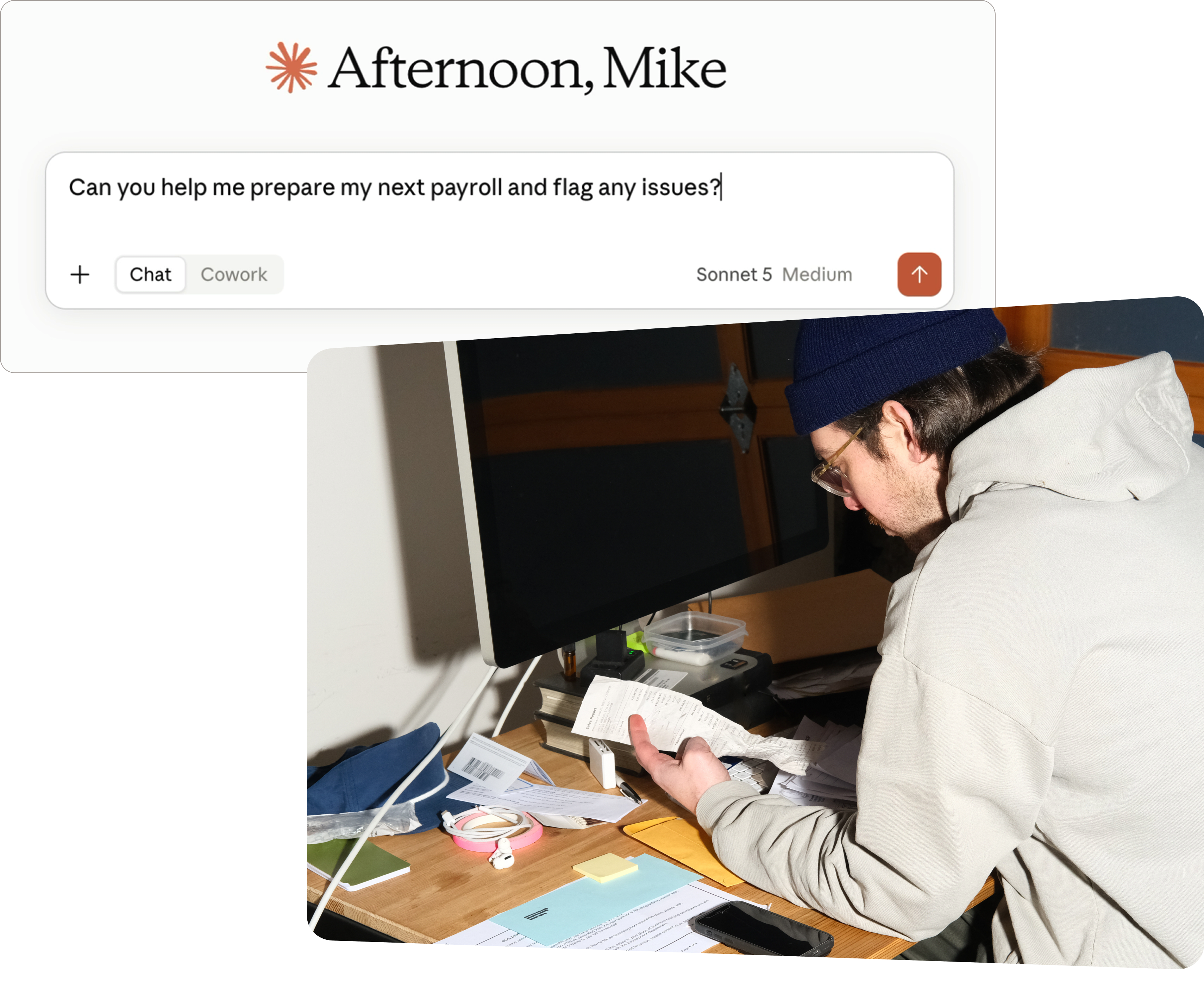
Claude finds the exceptions. You approve the payroll.
Claude pulls everything together and flags what needs a decision. Approving payroll stays a human call, every time.
Questions it just answers:
Compliance review, reports, “who’s missing timesheets.”
Small changes it can make:
Timesheet fixes, team member updates, onboard a new hire.
Decisions that stay yours:
Payroll edits, running payroll, contractor payments.
Frequently asked questions
Gusto’s official way to bring your live payroll and people data into Claude, so it can answer questions and take action using your real account instead of a generic guess.
No. If you can ask Claude a question, you can use it. (If you’re comfortable with a terminal or building agents for repeated workflows, the Gusto CLI is a separate option — see gusto.com/product/agents.)
Payroll submissions and other high-impact actions are designed to require a preview and your confirmation before they take effect. Claude’s job is to assemble the work and surface exceptions — approving payroll stays your decision.
Gus and Cofounder are Gusto’s own AI, inside Gusto. The Claude connector works the other way: it brings Gusto into the AI you already use, so you don’t have to come to us to get something done.
Yes, especially if you’re already asking Claude questions about your business.
Connect your Gusto account to Claude today.
Same account, no migration, no sync. Claude works from your real data the moment you connect.
These applications and connectors use third-party artificial intelligence models, which may produce inaccurate or incomplete outputs. Gusto is not responsible for errors in responses provided by third-party artificial intelligence models or for any actions taken in your Gusto account based on those responses. You should always verify information and review actions before confirming them. This content is not to be taken as tax, legal, benefits, financial, or HR advice. Since rules and regulations change over time and can vary by location, consult a lawyer, tax, or HR expert for specific guidance. Please see Gusto's Privacy Notice, the Gusto MCP Terms, and the Gusto AI Assistant Terms.