About
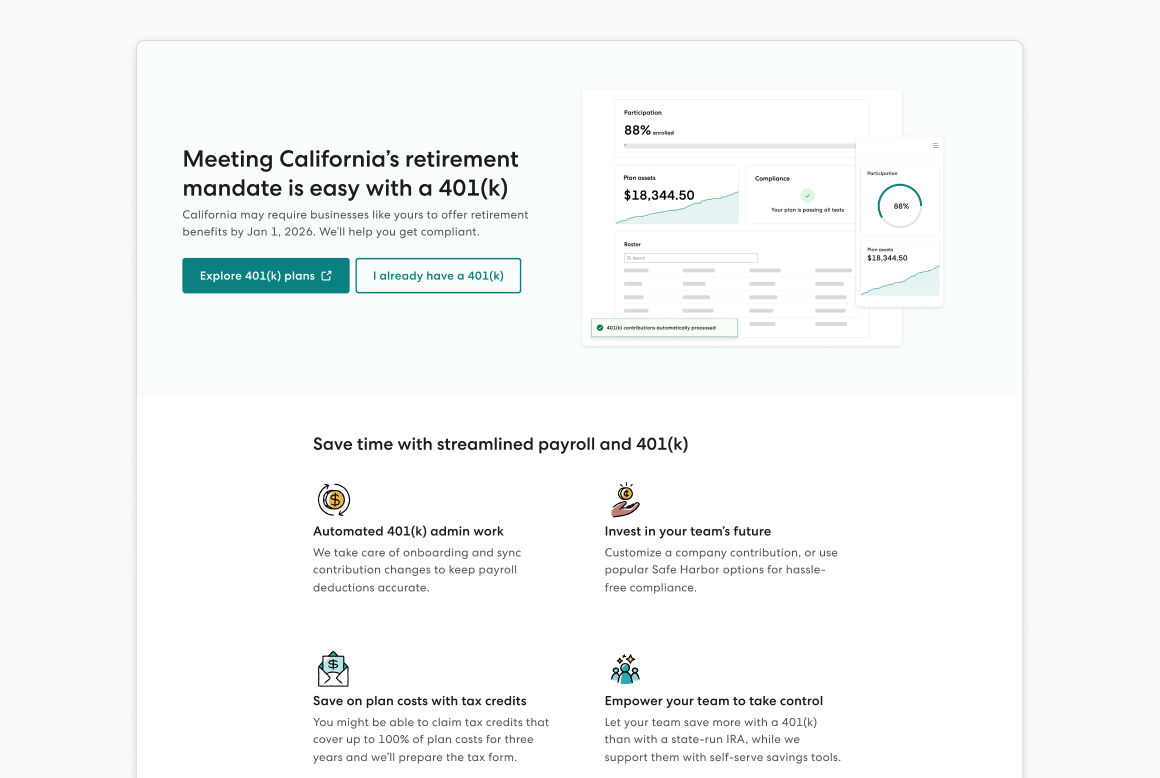
Gusto 401(k) powered by Guideline seamlessly connects with payroll to offer an all-in-one retirement experience, specifically tailored for small to midsize businesses. Setting up a 401(k) with Gusto is simple and takes as little as 9 minutes. Once the plan is live, we will handle most of the plan administration — from employee onboarding and education to government filing. This ensures that businesses can provide a valuable retirement benefit that’s easy and affordable.
How It Works
The integration between Gusto 401(k) and payroll creates a streamlined experience for both employers and employees. Here’s how it works:
- Setup: Employers can set up their plan in as little as 9 minutes. Navigate to your Benefits dashboard and click on 401(k) to get started.
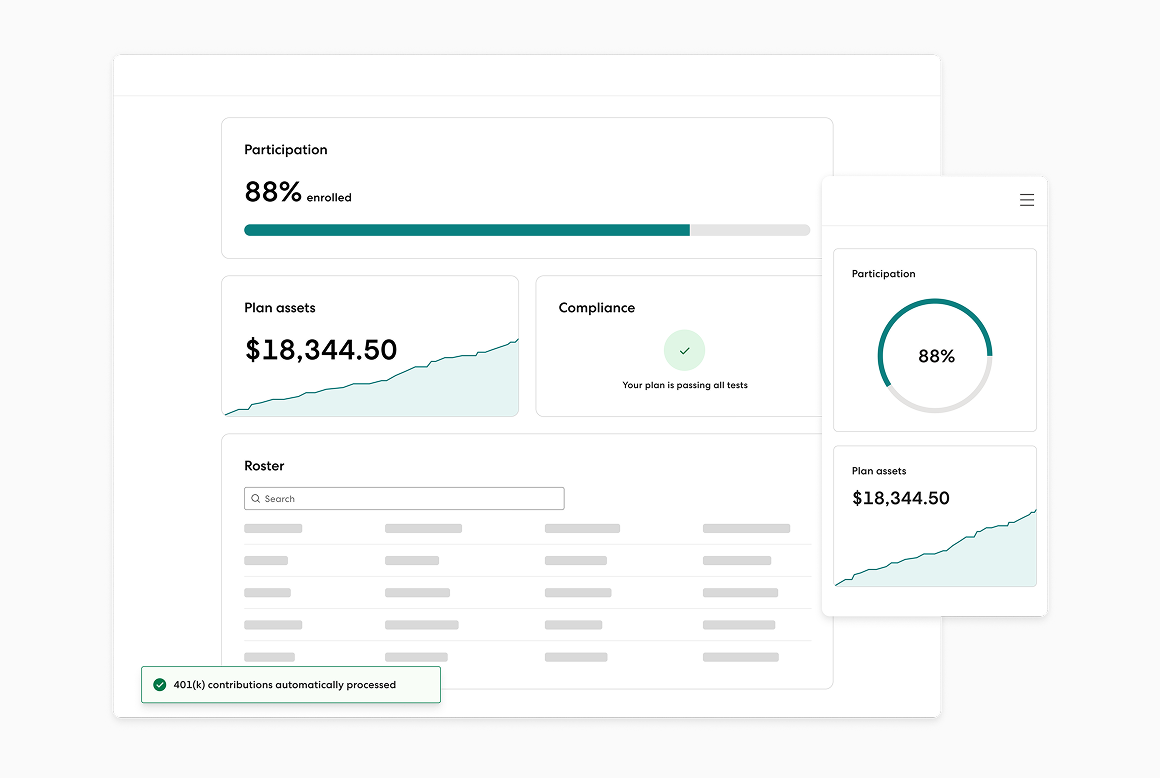
- Administration: Gusto administers the plan, handling compliance testing, IRS filings investment management, and more.
- Payroll Integration: Contributions are automatically synced with payroll, helping to ensure accurate and timely retirement savings deductions.
- Employee Onboarding and Education: Eligible employees are onboarded automatically and provided resources to learn about their retirement options.
- Investment Management: Employees can get an investment portfolio recommendation through Guideline Investments that rebalances automatically, or can choose their investments.
- Support: Both employers and employees receive live support from the Gusto team via phone or email.
Key Benefits
- Ease of Use: The Gusto 401(k) integrates seamlessly with payroll to simplify the setup and management of your 401(k) plan.
- Cost-Effective: A Gusto 401(k) offers competitive pricing that can make offering a retirement solution affordable for businesses of all sizes.
- Affordable for employees: A 401(k) with Gusto helps employees save more too, with low account fees, low-cost investments offered through Guideline Investments, LLC and no transaction fees.
- Comprehensive Management: We provide end-to-end management of your 401(k) from recordkeeping to investment management.
- Seamless Payroll Runs: 401(k) contributions are automatically updated with each payroll, helping to reduce manual errors and administrative workload.
- Educational Resources: Employees have access to support and resources that can help them make informed decisions about their retirement savings.
Integration Guide
To get started, follow these steps:
- Sign In to Gusto: Access your Gusto account dashboard.
- Navigate to the Benefits Section: Find the 401(k) tile and click “Explore plans”.
- Complete the Setup: Fill in the necessary information to configure your Gusto 401(k) plan. The process should take no more than 20 minutes.
- Launch: Once setup is complete, complete plan administration and employee onboarding steps.
This information is general in nature and for informational purposes only. Any graphs or charts depicted are illustrative. It should not be used as a substitute for specific tax, legal and financial advice. Deadlines, fees, and other program details are subject to change by the state without notice and should be checked prior to making any decisions. *Fees may include monthly base fee and the monthly active participant fee. See here for more information about fees. This offer can’t be combined with other offers. We reserve the right to modify or discontinue this promotion at any time without prior notice. Terms & Conditions apply.